Turn One Photo into a 12-Sticker Reaction Pack
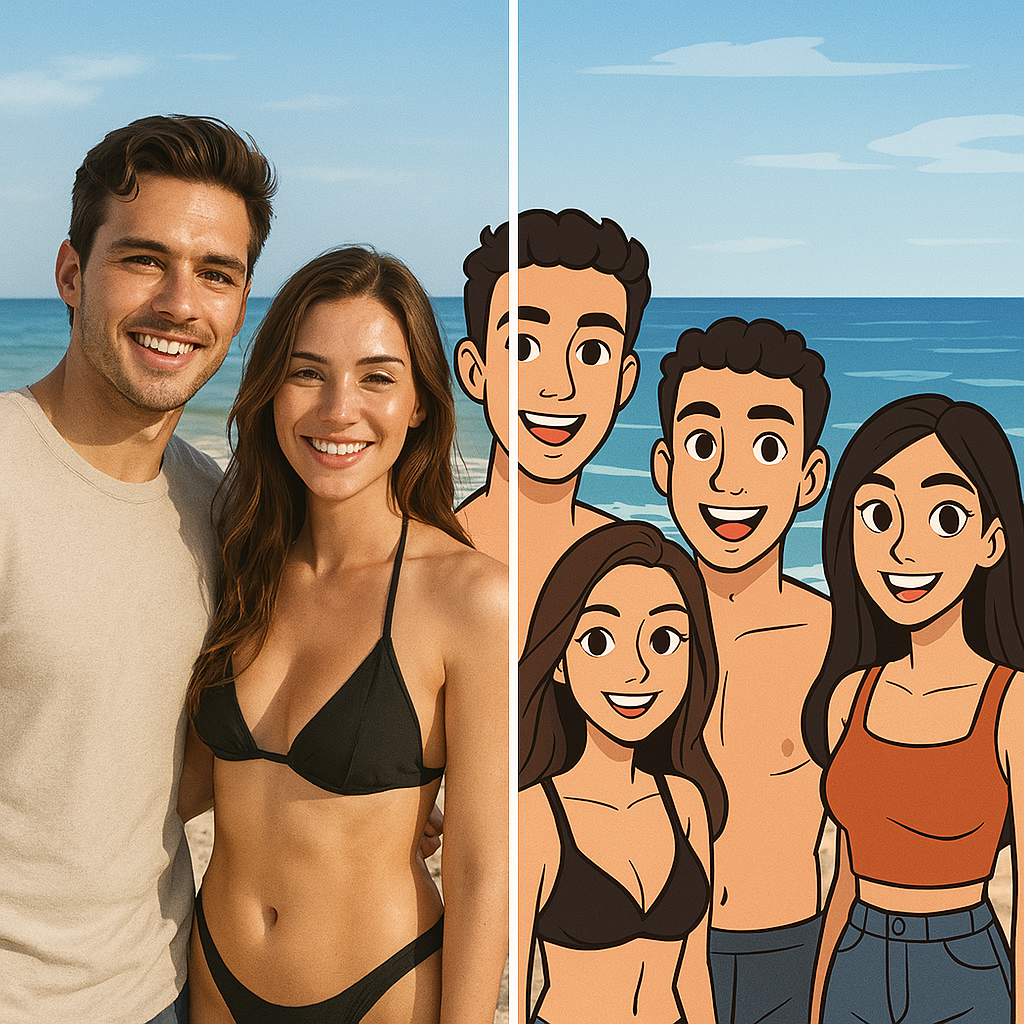
Upload a portrait, pet, character, or mascot. GPTImage.app keeps its recognizable details and creates 12 useful reaction stickers you can retry and download individually.
😊 Happy, laughing, love, surprised, angry, sad, and more
Create a complete sticker pack
Upload one clear reference. We preserve the character and generate 12 everyday reactions you can retry and download individually.
Best results: one visible face or mascot, uncluttered background, and no tiny text.
Credits are reserved one sticker at a time and released automatically if that sticker fails.
Why Choose Our AI Sticker Maker?
We provide the most robust tools to create stickers with AI. Our platform is optimized for creators, businesses, and hobbyists looking for custom AI stickers.
Reference-Based Consistency
Start from one clear portrait, pet, character, or mascot image. Every reaction prompt explicitly preserves its identity, colors, clothing, and accessories.
Saved, Downloadable Results
Each completed reaction is stored with the pack and can be downloaded as a PNG without waiting for the other eleven items.
Limitless Style Options
Choose Kawaii, Soft 3D, Flat Vector, or Comic. The selected direction is applied consistently to all 12 expressions.
Commercial Rights
Own what you create. Users on our pro plans get full commercial rights to their custom AI stickers, allowing you to sell your designs on platforms like Redbubble or Etsy.
Reliable Pack Generation
Generate a fixed set of 12 useful reactions with visible progress and per-item retry instead of starting over.
Multi-Platform Ready
Optimized output formats for all major messaging apps and social platforms. Your custom AI stickers are ready to share immediately.
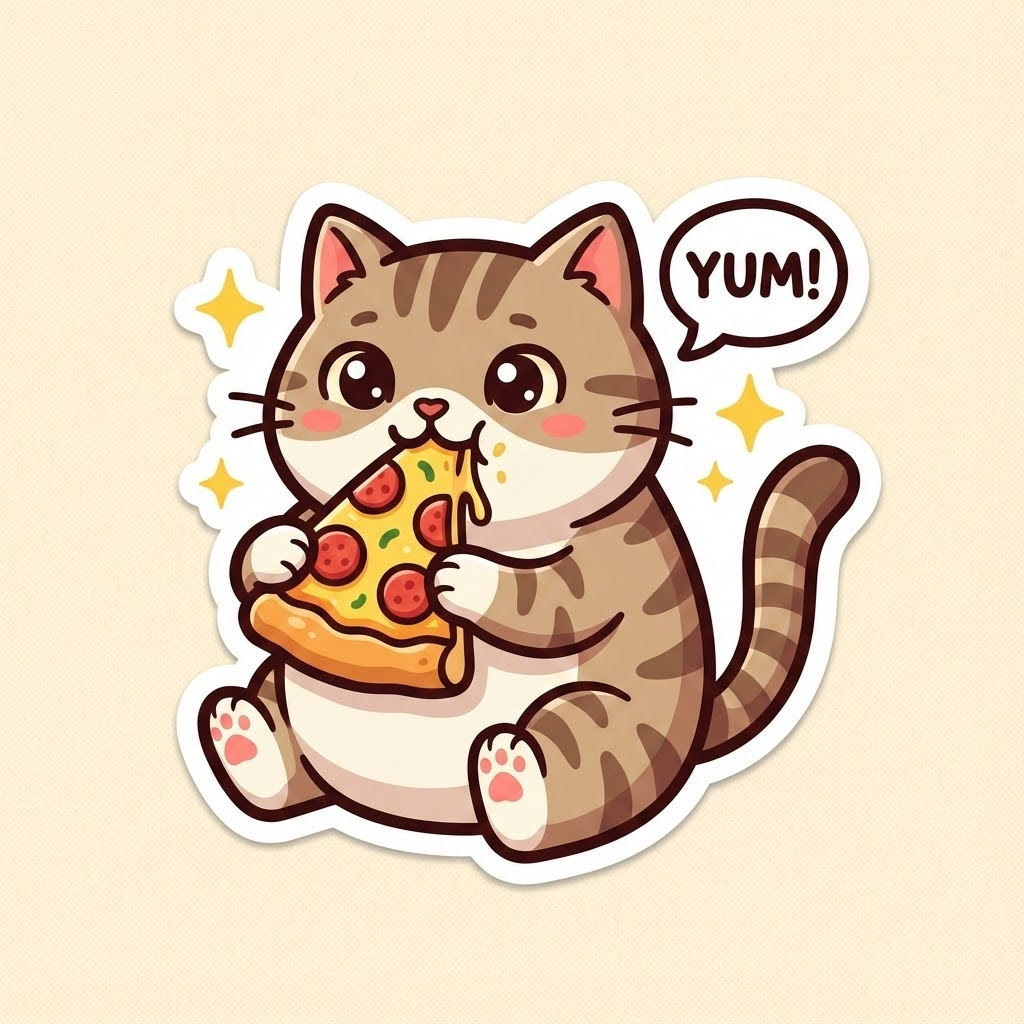
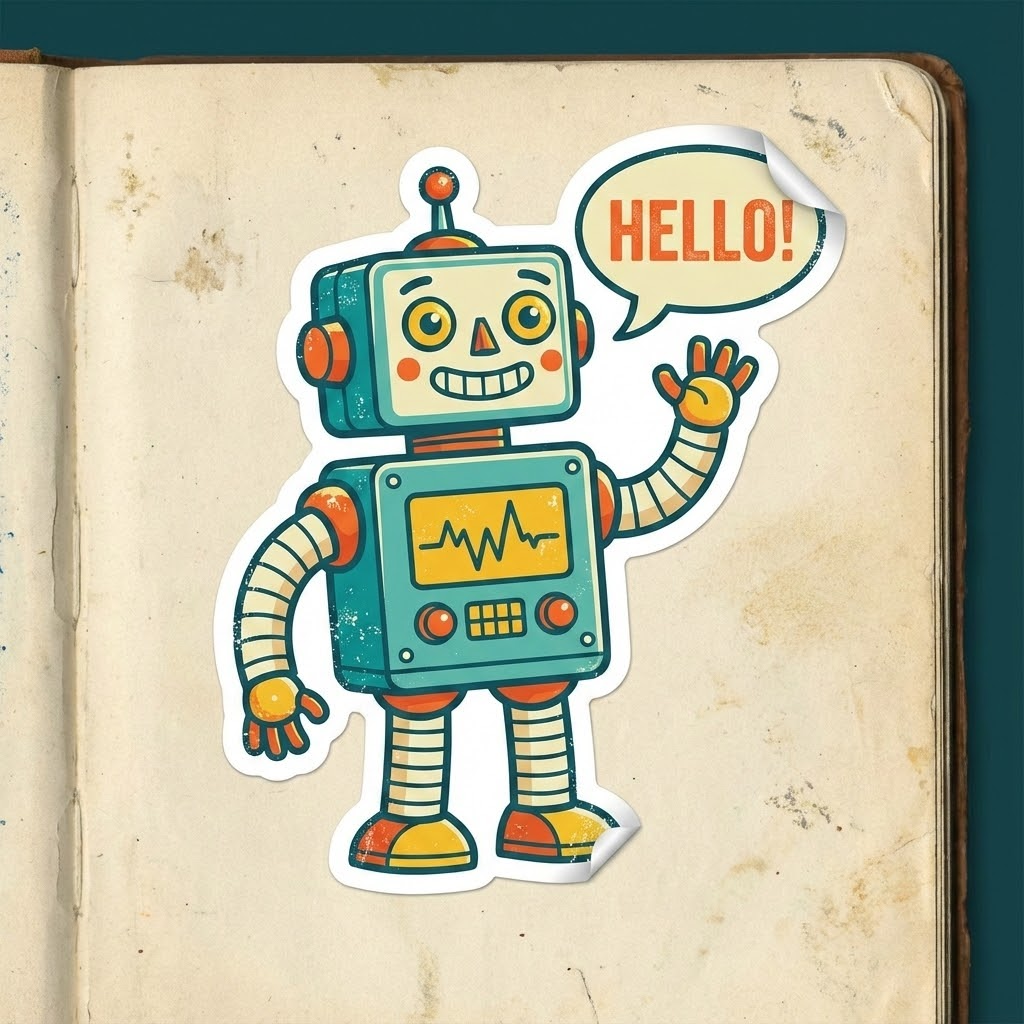
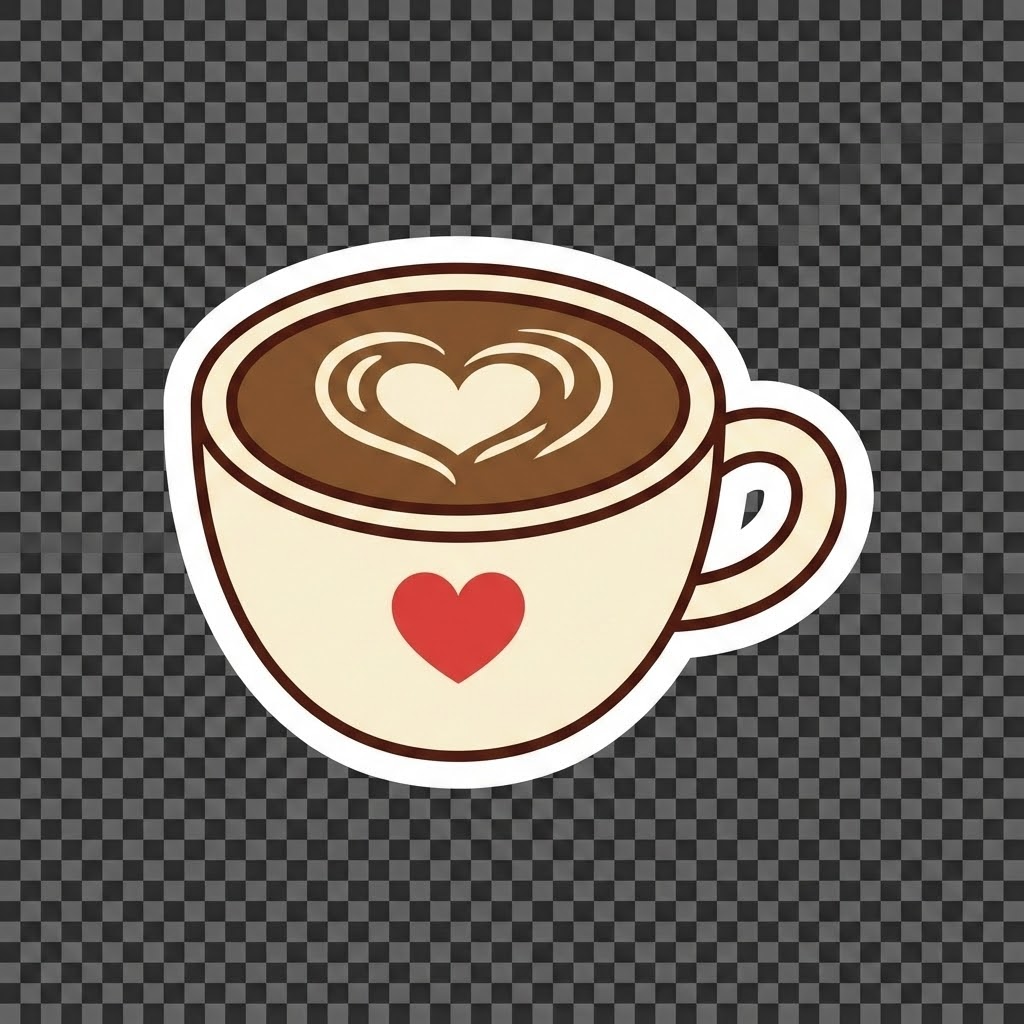
Gallery of Custom AI Stickers
How to Create Stickers with AI
Follow these simple steps to use our AI sticker generator and bring your ideas to life.
Deep Dive: Building a Consistent AI Reaction Pack
The Rise of Custom AI Stickers
How Reference-to-Sticker AI Works
Benefits for Businesses and Brands
Tips for Perfect Results
The Future of Sticker Design
Frequently Asked Questions about AI Sticker Generation
Get answers to common questions about using our AI sticker generator.
What is an AI Sticker Generator?
An AI sticker generator uses a reference image and style instructions to turn a person, pet, character, or mascot into expressive sticker art without requiring illustration skills.
How do I create stickers with AI?
Upload one clear reference, briefly describe the subject, choose a visual style, and start the pack. The generator creates 12 fixed reactions and saves each result separately.
Can I use this for WhatsApp and Telegram?
Yes. Each finished sticker can be downloaded as a PNG, then prepared according to the current size and background requirements of your messaging app.
Will every result have a transparent background?
Not always. The prompt asks for a simple clean background and a white die-cut outline, but background transparency can vary by generation. Review the PNG before publishing it.
Who owns the rights to the stickers?
If you are on a paid plan, you own full commercial rights to all the custom AI stickers you generate. You can use them for branding, merchandise, or sell them as digital assets.
How much does it cost?
We offer a free tier that lets you try the AI sticker generator with daily credits. For power users who need to create stickers with AI in bulk or at higher resolutions, we offer affordable monthly subscriptions.
What makes this the best AI sticker maker?
The workflow is designed around a complete reaction pack: reference-based identity prompts, 12 useful emotions, saved progress, per-item credit handling, and individual retry.
Can I upload my own image to turn into a sticker?
Yes, our advanced features allow image-to-image generation. You can upload a photo and use the AI sticker generator to restyle it into a sticker format, preserving the original subject but giving it a sticker aesthetic.