

Generate Images with Top AI Models
Create stunning images using Google Nano Banana Image and OpenAI's GPT-image-2 Image. Generate and edit professional-quality visuals instantly with advanced AI technology.
Reference Image (Optional)
Enter a prompt above to create stunning AI images
Best AI Models Available
Access OpenAI's GPT-4o Image, DALL-E 3, Flux Pro, and Kling AI - choose the perfect model for photorealistic, artistic, or specialized image generation
Professional Controls
Fine-tune every detail with aspect ratios, quality settings, negative prompts, and multiple output formats for perfect results
Lightning Fast Generation
Get your images instantly with optimized processing and real-time progress tracking for the best user experience
One-time credit packs start at $6.90 for 100 credits (10 images). Each image costs 10 credits. Credits are valid for 12 months; no subscription is required.
Jump into our creative studios
Specialized generators help you move quickly from idea to shareable assets.
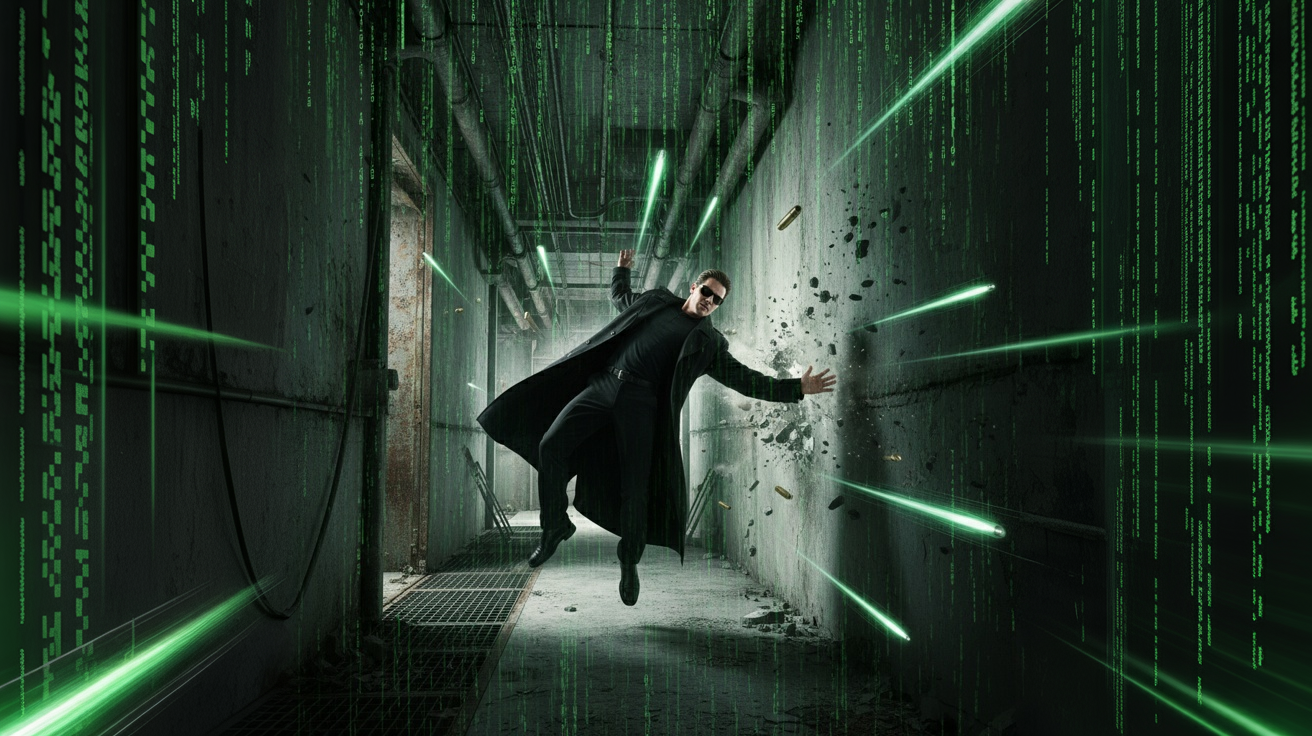
Ideal for creators exploring Explore cinematic mode
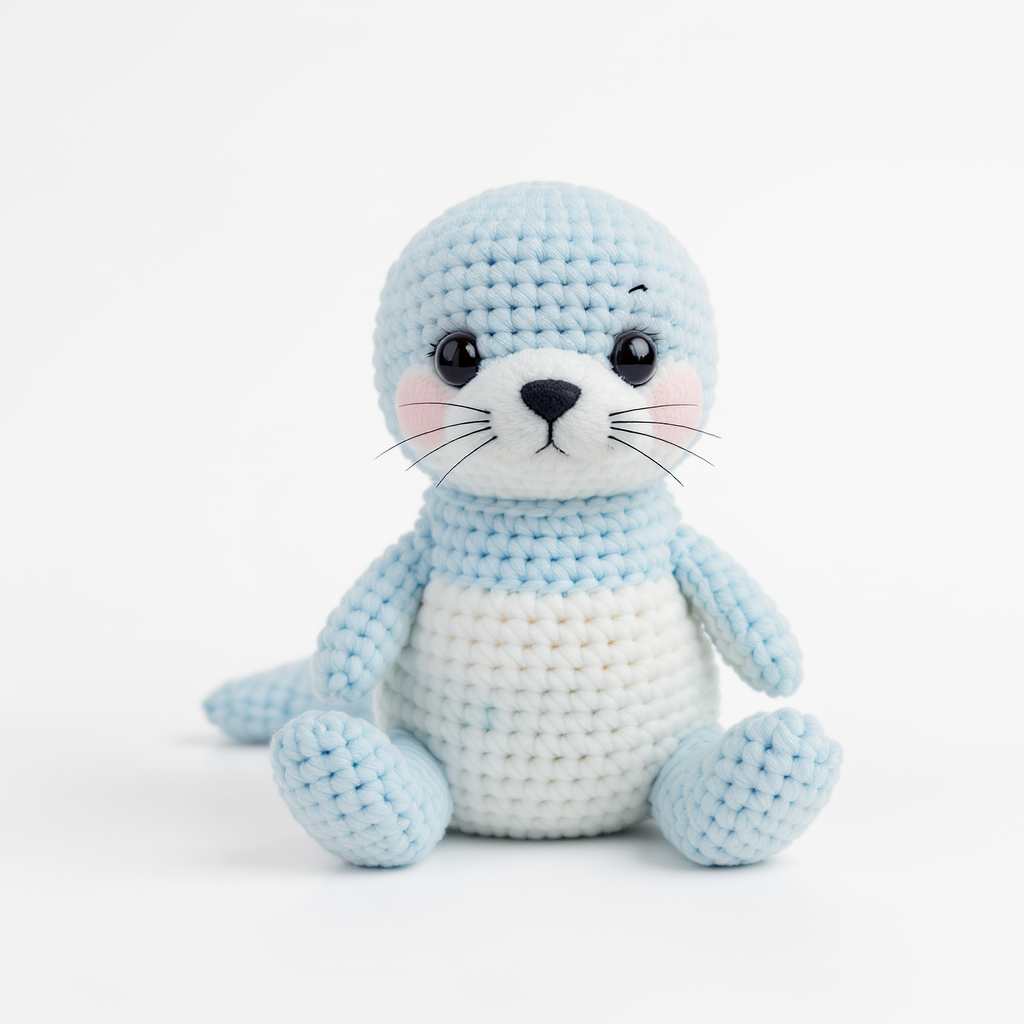
Ideal for creators exploring Design crochet patterns
Freshly created images
A rotating selection of public creations from GPTImage users.
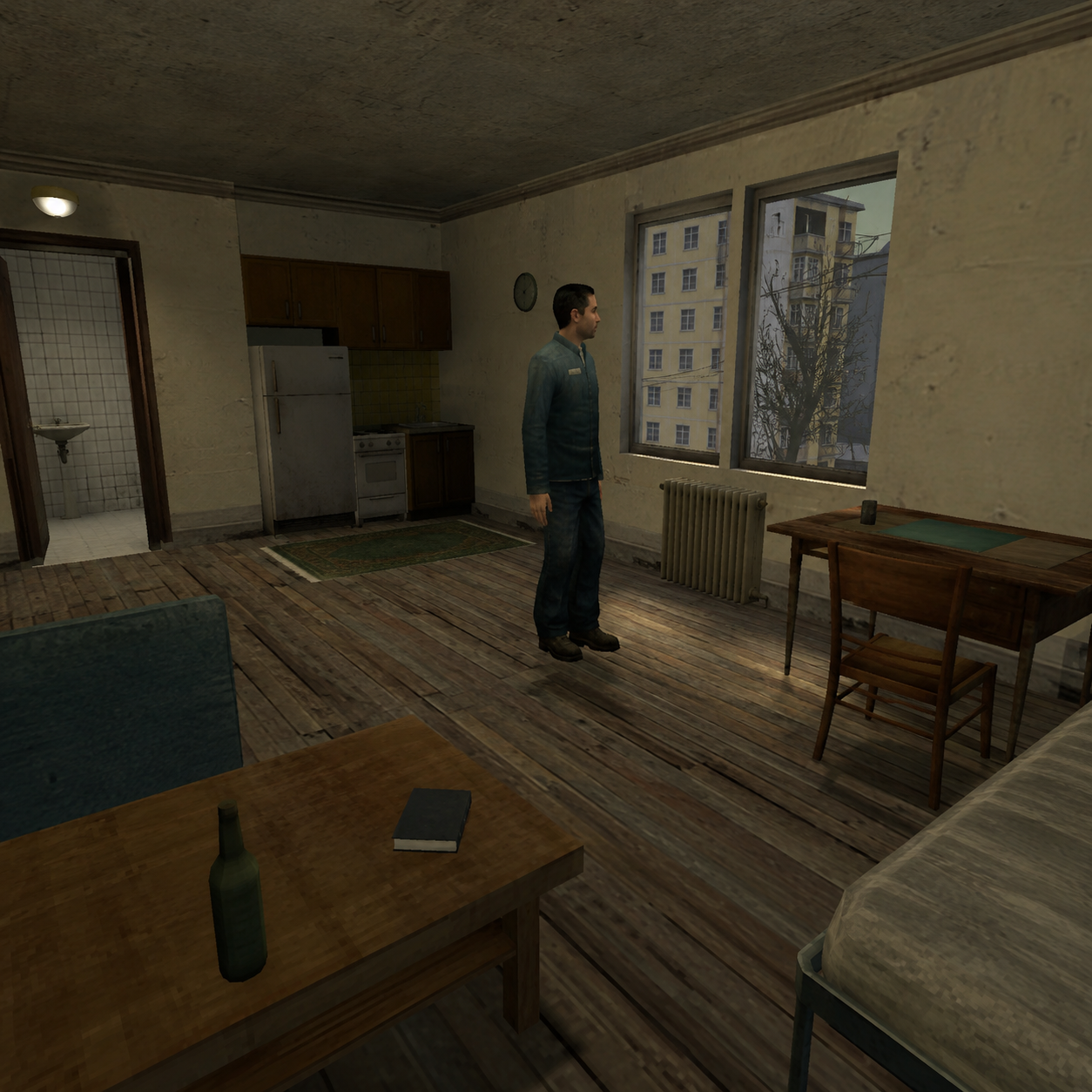
重制为早期 Source 引擎(起源引擎初代)风格的 3D 游戏截图。保留原图的主体、构图、视角和场景布局,但把整个画面重新诠释为《Half-Life 2》或 Garry’s Mod 早期地图中的场景。整体不是简单滤镜,而是像把现实照片“重新建模”成一张老游戏截图。风格要求:3D建模:所有物体、人物、树木、岩石、建筑都呈现明显的低多边形(Low-Poly)建模感,边缘略硬,几何感明显。材质贴图:使用 低分辨率(Low-Res)纹理 ,贴图略糊、略重复、细节有限,带有早期游戏资产的粗糙感。光影效果:模拟早期 Source 引擎特有的生硬、混乱、略不自然的光照。 。
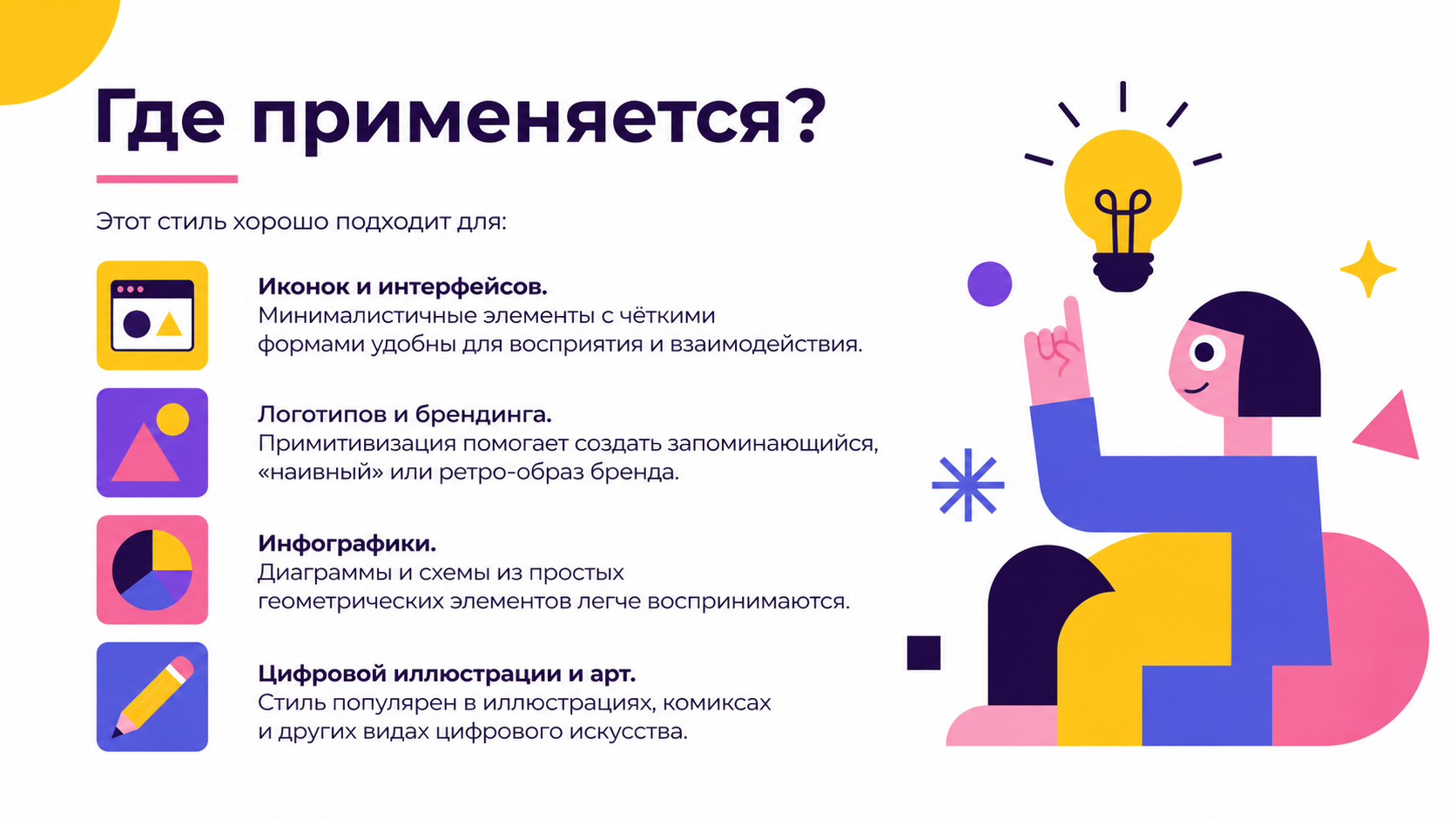
Создай слайд для презентации на тему примитивизм с цветах желтый, фиолетовый, розовый, синий. БЕЛЫЙ ФОН!!! Добавь текст: Где применяется? Этот стиль хорошо подходит для: Иконок и интерфейсов. Минималистичные элементы с чёткими формами удобны для восприятия и взаимодействия. Логотипов и брендинга. Примитивизация помогает создать запоминающийся, «наивный» или ретро-образ бренда. Инфографики. Диаграммы и схемы из простых геометрических элементов легче воспринимаются. Цифровой иллюстрации и арт. Стиль популярен в иллюстрациях, комиксах и других видах цифрового искусства. Шрифт montserrat
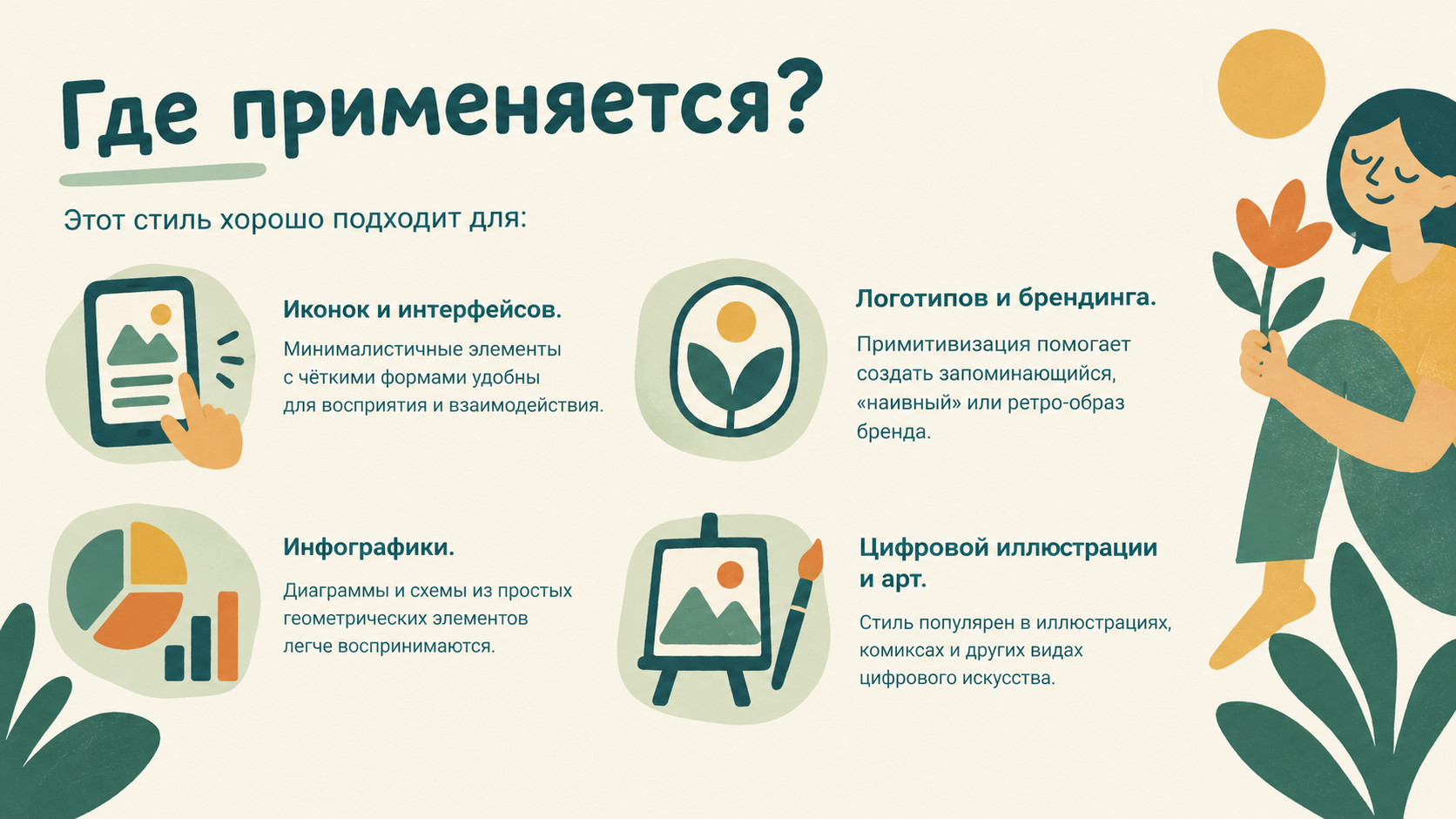
создай слайд для презентации на тему привитивизм в стиле и цветах и шрифтах загруженного изображения!!! Добавь следующий текст: Где применяется? Этот стиль хорошо подходит для: Иконок и интерфейсов. Минималистичные элементы с чёткими формами удобны для восприятия и взаимодействия. Логотипов и брендинга. Примитивизация помогает создать запоминающийся, «наивный» или ретро-образ бренда. Инфографики. Диаграммы и схемы из простых геометрических элементов легче воспринимаются. Цифровой иллюстрации и арт. Стиль популярен в иллюстрациях, комиксах и других видах цифрового искусства.

Создай слайд для презентации в данном стиле о примитивизме. Добавь следующий текст: Где применяется? Этот стиль хорошо подходит для: Иконок и интерфейсов. Минималистичные элементы с чёткими формами удобны для восприятия и взаимодействия. Логотипов и брендинга. Примитивизация помогает создать запоминающийся, «наивный» или ретро-образ бренда. Инфографики. Диаграммы и схемы из простых геометрических элементов легче воспринимаются. Цифровой иллюстрации и арт. Стиль популярен в иллюстрациях, комиксах и других видах цифрового искусства.
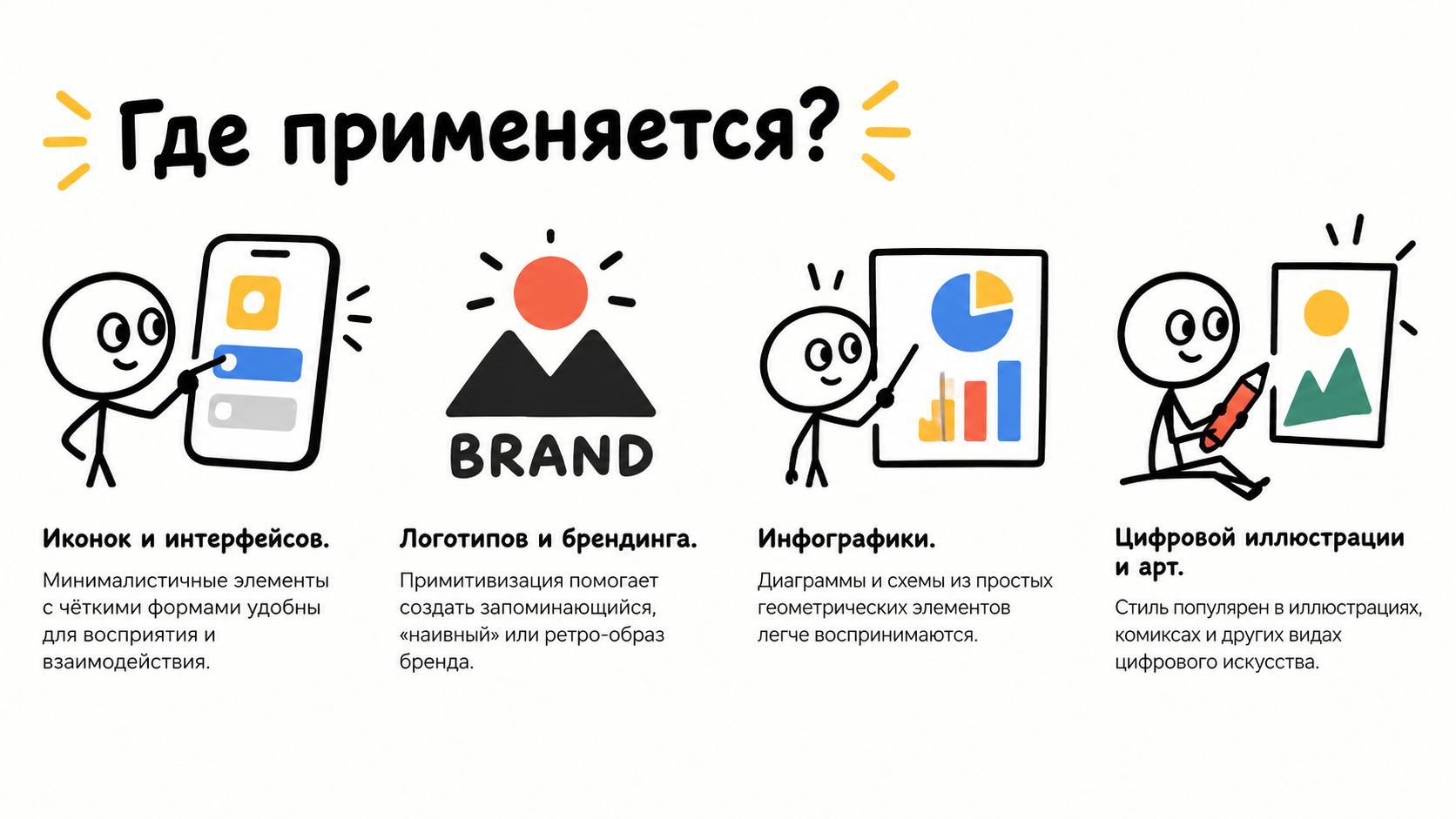
Создай слайд для презентации о примитивном искусстве используя стиль данного изображения. Белый ФОН. Добавь следующий текст: Где применяется? Этот стиль хорошо подходит для: Иконок и интерфейсов. Минималистичные элементы с чёткими формами удобны для восприятия и взаимодействия. Логотипов и брендинга. Примитивизация помогает создать запоминающийся, «наивный» или ретро-образ бренда. Инфографики. Диаграммы и схемы из простых геометрических элементов легче воспринимаются. Цифровой иллюстрации и арт. Стиль популярен в иллюстрациях, комиксах и других видах цифрового искусства.
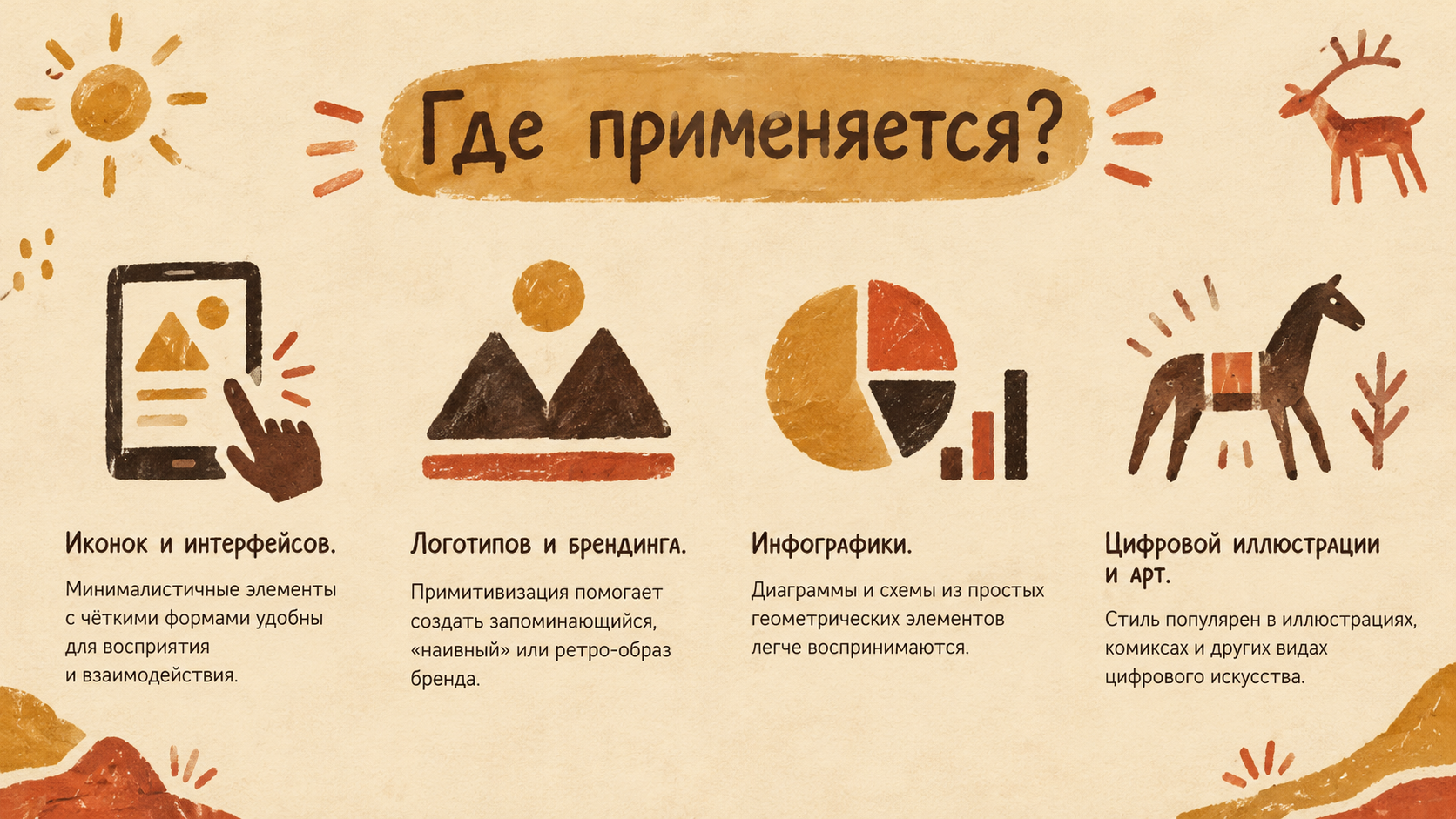
Создай слайд для презентации о примитивном искусстве используя стиль данного изображения. Добавь следующий текст:Где применяется? Этот стиль хорошо подходит для: Иконок и интерфейсов. Минималистичные элементы с чёткими формами удобны для восприятия и взаимодействия. Логотипов и брендинга. Примитивизация помогает создать запоминающийся, «наивный» или ретро-образ бренда. Инфографики. Диаграммы и схемы из простых геометрических элементов легче воспринимаются. Цифровой иллюстрации и арт. Стиль популярен в иллюстрациях, комиксах и других видах цифрового искусства.
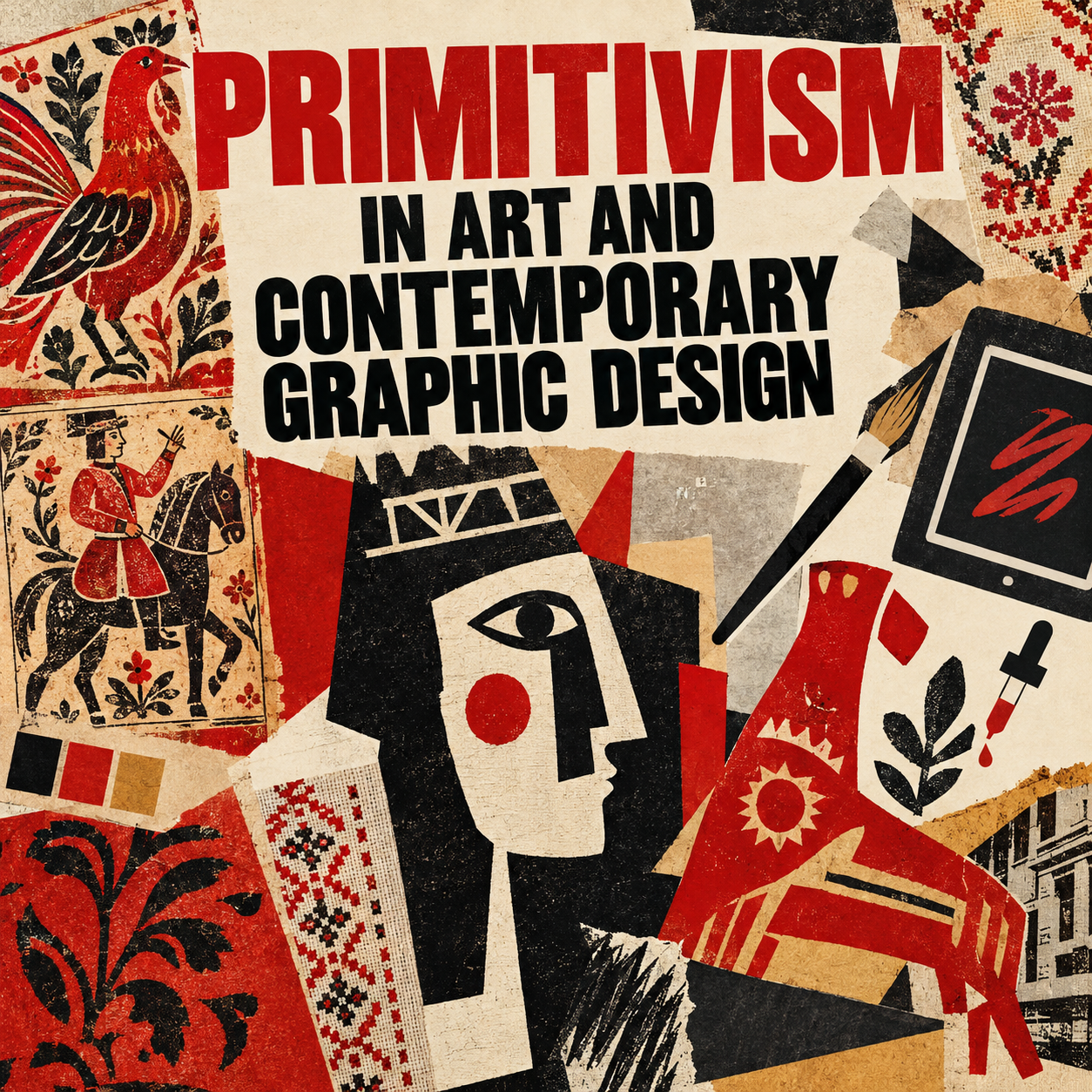
Draw a title slide “Primitivism in Art and Contemporary Graphic Design” as a collage: a combination of fragments of folk ornament (lubok, embroidery, painting), simplified silhouettes, typography, and modern elements (icons of a tablet, a brush, an eyedropper). The composition is asymmetrical and dynamic, as if assembled by hand. The palette is contrasting, with accents of deep red, black, and earthy tones. The text is large and bold, in a sans‑serif font; the title occupies the upper third of the slide, the subtitle is slightly lower, centered. The overall style is energetic and eclectic, referencing avant‑garde and folk art.
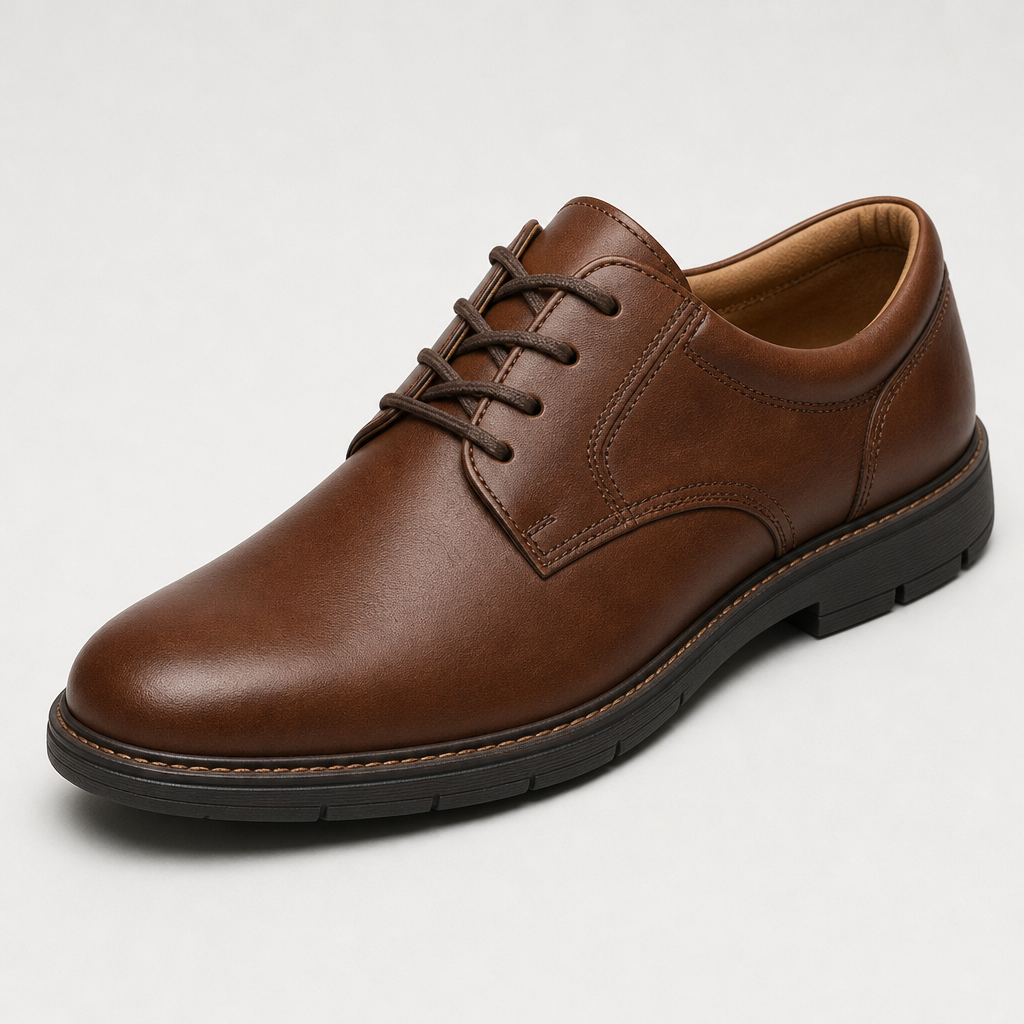
Change the color of the shoe in the image from white to brown.
Ship faster with guided flows
Pair AI prompts with proven creative steps to reach final assets sooner.
Turn text prompts into cinematic boards ready for directors.
- 1Select cinematic template
- 2Adjust lighting and aspect
- 3Iterate with prompt variations
Experiment with yarn styles and export printable patterns.
- 1Describe motif
- 2Pick yarn and stitches
- 3Download pattern preview
Latest product tips
Deep dives, release notes, and tutorials for teams scaling visual creation.
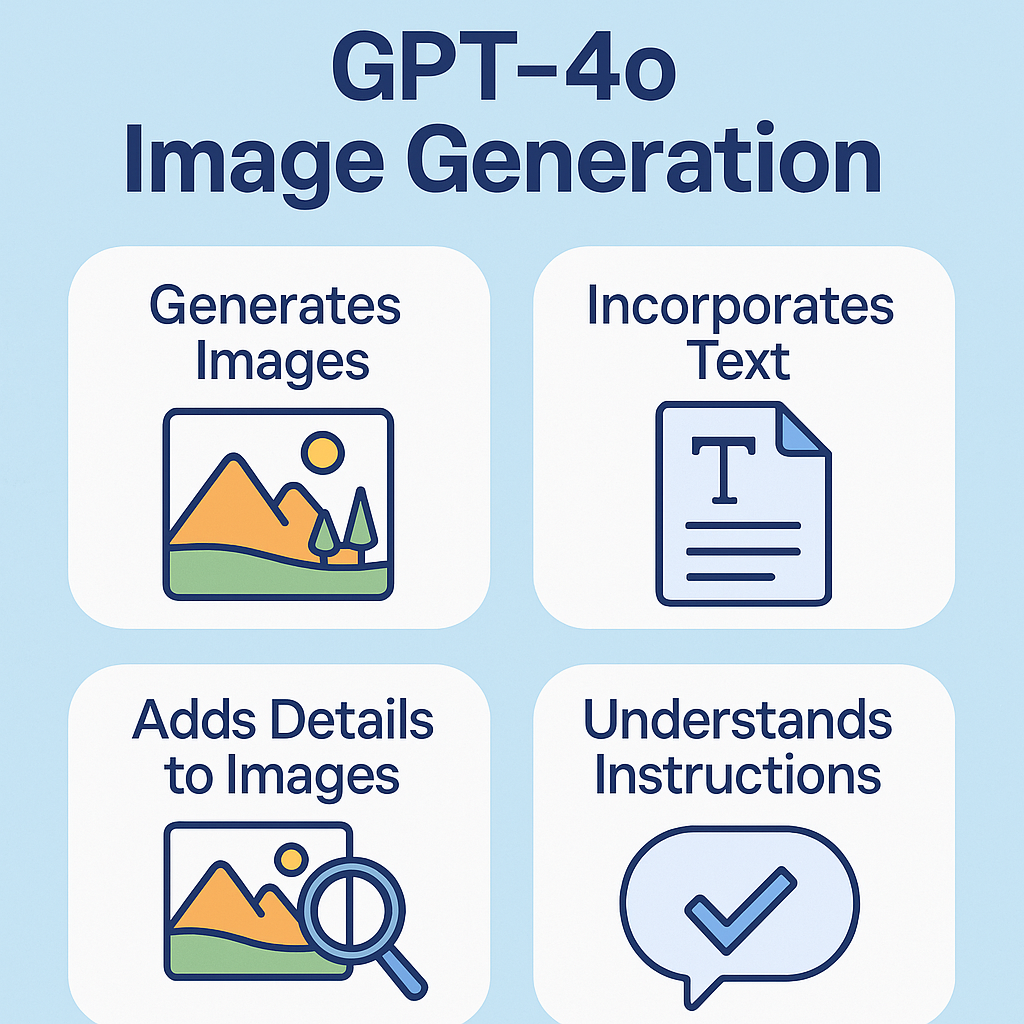
What is GPT Image Technology
Our GPT image service is a state-of-the-art platform powered by OpenAI's GPT-4o model, offering unprecedented control and quality in AI GPT image creation.
- Advanced GPT Image CreationOur GPT image technology is the first to create images directly from a neural network, delivering superior GPT images compared to previous models.
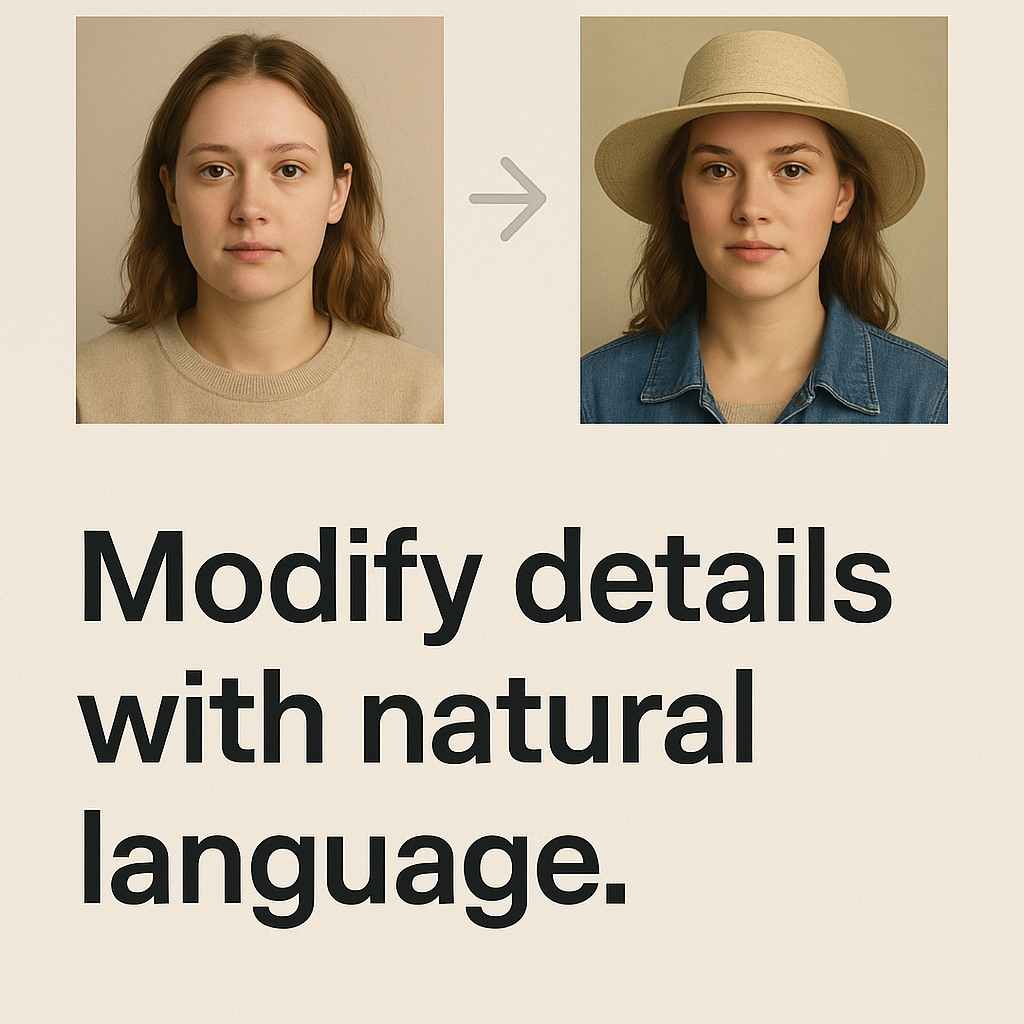
- Conversational GPT Image EditingRefine GPT images through natural conversation with our GPT Image Generator while maintaining visual consistency throughout multiple edits.
- Premium Text in GPT ImagesOur GPT image service provides significantly improved text rendering within GPT images - perfect for diagrams, logos, and text-heavy visuals.
Why Choose Our GPT Image Service
Experience the future of AI GPT image creation with our capabilities that go beyond traditional text-to-image models.
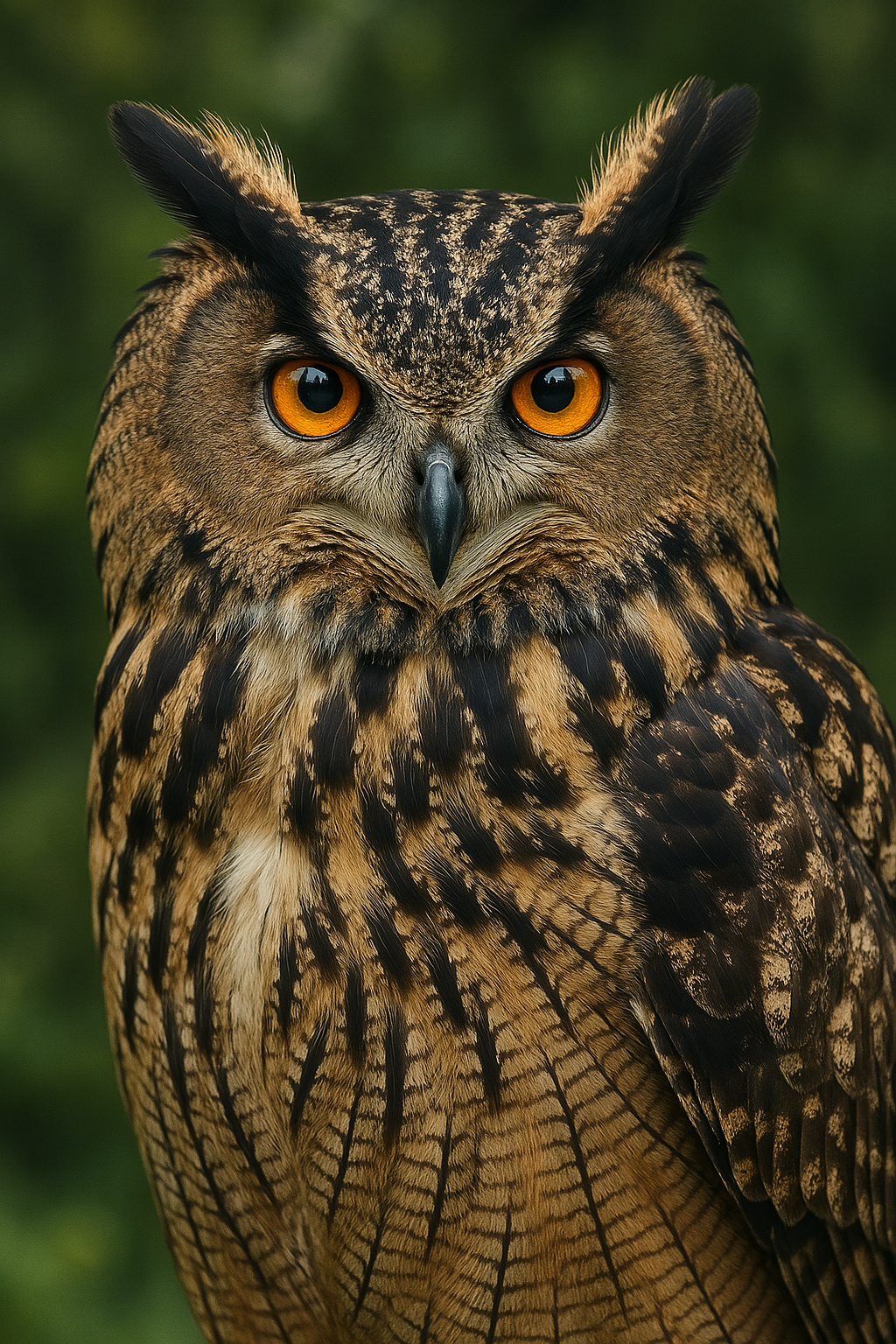
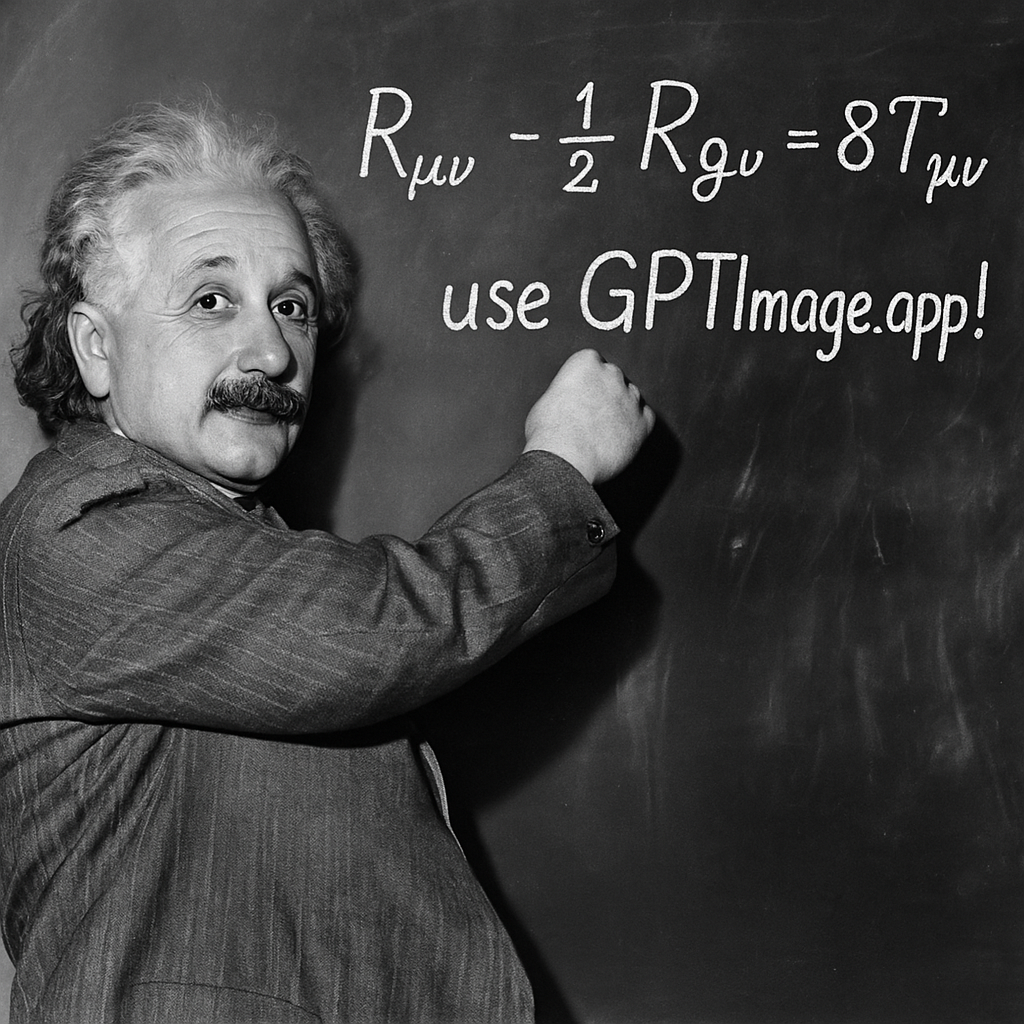
How to Create GPT Images with Our Service
Create stunning GPT images with our GPT Image Generator in just a few simple steps:

Choose the Perfect AI Model for Your Vision
Access the world's most advanced AI image generation models including OpenAI's GPT-4o Image, DALL-E 3, Flux Pro, and Kling AI - each optimized for different creative needs.
OpenAI GPT-4o Image Generation
Experience OpenAI's latest breakthrough in image creation with GPT-4o's native image generation, delivering unmatched coherence and understanding of complex prompts.
DALL-E 3 for Creative Excellence
Generate creative, artistic images with DALL-E 3's exceptional ability to understand nuanced descriptions and create unique, imaginative visuals.
Flux Pro for Photorealism
Create ultra-realistic images with Flux Pro's advanced diffusion technology, perfect for professional photography-style results and detailed scenes.
Kling AI for Specialized Tasks
Access Kling AI's specialized image generation capabilities for unique styles and specific use cases that require tailored AI approaches.
Professional Quality Output
All models deliver high-resolution, professional-grade images with stunning detail, proper lighting, shadows, and perspective for any project.
Versatile Style Range
From photorealistic portraits to anime artwork, abstract art to technical diagrams - choose the AI model that matches your creative vision perfectly.
Choose a one-time credit pack
Start at $6.90. Every image uses 10 credits, and every pack is valid for 12 months. No subscription or automatic renewal.
Starter Credit Pack
100 credits for your next 10 images.
Included in your pack
- 100 credits for 10 images
- 10 credits per generated image
- Generate and edit images
- Download your generated images
- Credits valid for 12 months
One-time payment. Buy another pack whenever you need more credits.
Creator Credit Pack
400 credits for your next 40 images.
Included in your pack
- 400 credits for 40 images
- 10 credits per generated image
- Generate and edit images
- Download your generated images
- Credits valid for 12 months
One-time payment. Buy another pack whenever you need more credits.
Studio Credit Pack
1000 credits for your next 100 images.
Included in your pack
- 1000 credits for 100 images
- 10 credits per generated image
- Generate and edit images
- Download your generated images
- Credits valid for 12 months
One-time payment. Buy another pack whenever you need more credits.
Frequently Asked Questions About Our GPT Image Service
Have questions about our GPT image technology? Contact our support team via email or chat.
What makes your GPT image service different from other AI image creators?
Our GPT image technology is powered by OpenAI's GPT-4o model, which uses a fundamentally different approach to GPT image creation. Unlike diffusion-based models, GPT-4o generates GPT images directly from its neural network in a token-by-token process, resulting in better text rendering and accuracy.
How long does it take to create a GPT image with your service?
Our GPT image service typically takes 30-60 seconds to create a GPT image, depending on complexity and resolution. While this is longer than some diffusion models, the quality and accuracy of our GPT images makes the wait worthwhile.
Can I edit GPT images after they're created with your service?
Yes! One of our GPT Image Generator's standout features is conversational GPT image editing. After creating a GPT image, you can request specific changes through natural language, and our service will create a new version with your feedback.
What resolutions are supported for GPT images?
Available image sizes depend on the selected model and generation settings. Check the generator for supported resolutions. Every generated image costs 10 credits.
Is there an API available for developers to access your GPT image service?
Credit packs pay for image generation on GPTImage. For developer integration and API availability, contact our support team.
Can I use GPT images created with your service commercially?
Images generated with purchased credits can be used in commercial projects, subject to our terms and applicable rights. You are responsible for having permission to use uploaded references and any protected material in your results.
Start Creating with Leading AI Models Today
One-time credit packs start at $6.90 for 100 credits (10 images). Each image costs 10 credits. Credits are valid for 12 months; no subscription is required.